Keep your effects.
Your effects don’t stop working when a subscription ends. Keep the sounds you create and play them on Stratus. No ongoing subscription required.
 CHAOS AUDIOAI FX Builder 2.0
AI FX BUILDER 2.0
Describe a guitar effect.
Build it with AI. Play it on Stratus.
YOUR WORDS SHAPE THE SOUND
Tell it what matters. From the color of a note to the way its echoes move.
DESCRIBE IT. THEN HEAR IT.
Start with a favorite artist or band, a pedal you love, or an idea that takes a paragraph to explain. You don’t have to know how to code it.
“A warm echo with repeats that slowly drift away.”
A warm echo with repeats that slowly drift away. Give me Time, Repeats, Tone, Depth, Rate and Mix controls, and a Drift toggle. Keep the dry guitar clear and the echoes soft and musical.
A little movement behind the notes. Space to let them breathe.
Press play to hear the effect.
Press play. Switch between the guitar and the effect.
YOU’RE NOT LOCKED INTO THE FIRST IDEA
Afterglow, with shorter repeats and the same warmth. One follow-up keeps the idea moving.
“Keep the warmth.
Make the repeats shorter.”
An actual follow-up to Afterglow. The player above compares both versions.
OFF THE SCREEN. INTO YOUR MUSIC.
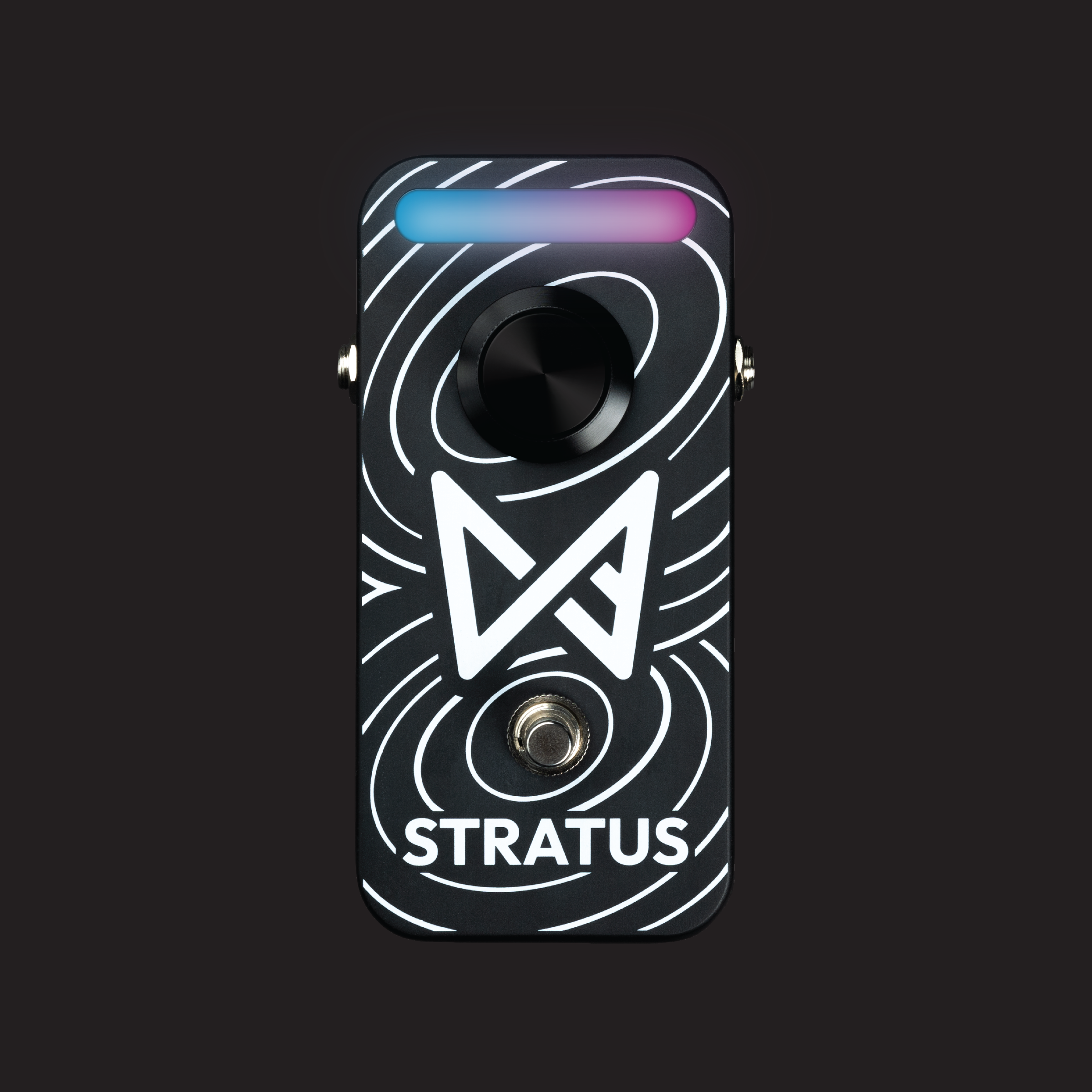
Stratus runs the effects you create in FX Builder.
From the sound in your head to your pedalboard.
Build it in your browser.
Install it with the app.
Leave the phone behind.
Install your effect with the Chaos Audio app. Once it’s on Stratus, you can play without a phone or an internet connection. The sound you found at home is ready for the stage.
CREATE IT ONCE. KEEP MAKING MUSIC.
Your effects don’t stop working when a subscription ends. Keep the sounds you create and play them on Stratus. No ongoing subscription required.
Use the generated code however you like. Copy it, modify it, or take it into a project of your own.
Open Afterglow’s sourceShare your generated code freely. Or put your effect in the Tone Shop for other Stratus players to discover.
No. Describe the sound you want in ordinary language. You can audition it and ask for changes in Studio. Advanced mode exposes the generated FAUST code if you want to work with it directly.
You can build and audition effects in the browser with an audio file or compatible live input. To take those effects onto a physical pedal, install them on Stratus through the Chaos Audio app.
No ongoing subscription is required to keep playing effects you have created and installed. Creating or refining effects uses Builds; available allowances and optional plans are explained inside FX Builder.
Yes. Name an inspiration and describe the qualities you like, or write a completely original idea. Results are original AI-generated interpretations—not promises of identical recordings, circuits, or artist endorsements.
The examples here took about 7 to 89 seconds to generate in our 2.0 session. The full 255-word Paper Satellites brief took 16.1 seconds. Those are recorded generation times, not guarantees; loading, compilation and installation can add time. Complex ideas can benefit from a few refinements.
Each effect was generated in the actual FX Builder 2.0 app from the full prompt shown here. The same licensed guitar performance was processed through that effect’s FAUST code, using the app’s compiler technology. These are software-rendered examples, not recordings through physical Stratus. Playback comparisons are loudness-matched; echo and reverb tails are included.
Guitar: “clean guitar loop.wav” by mil_dew, released under CC0. A four-bar phrase is used with silence for effect tails. Original performances are not recordings of the referenced artists.
AI FX BUILDER 2.0
Describe it in FX Builder.
Create your effect New to Stratus? Meet the pedal.